The story
The NixieGraph story
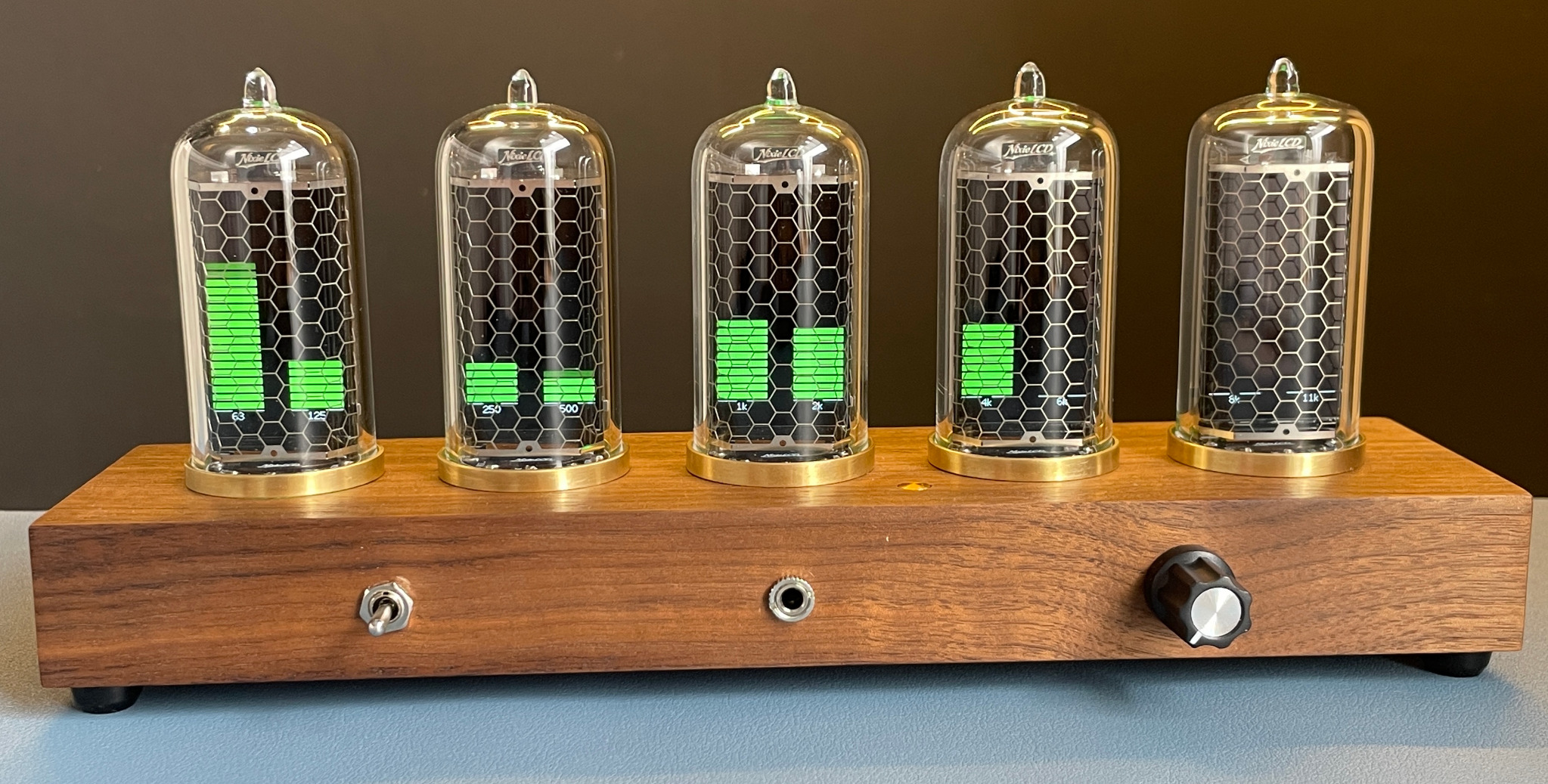
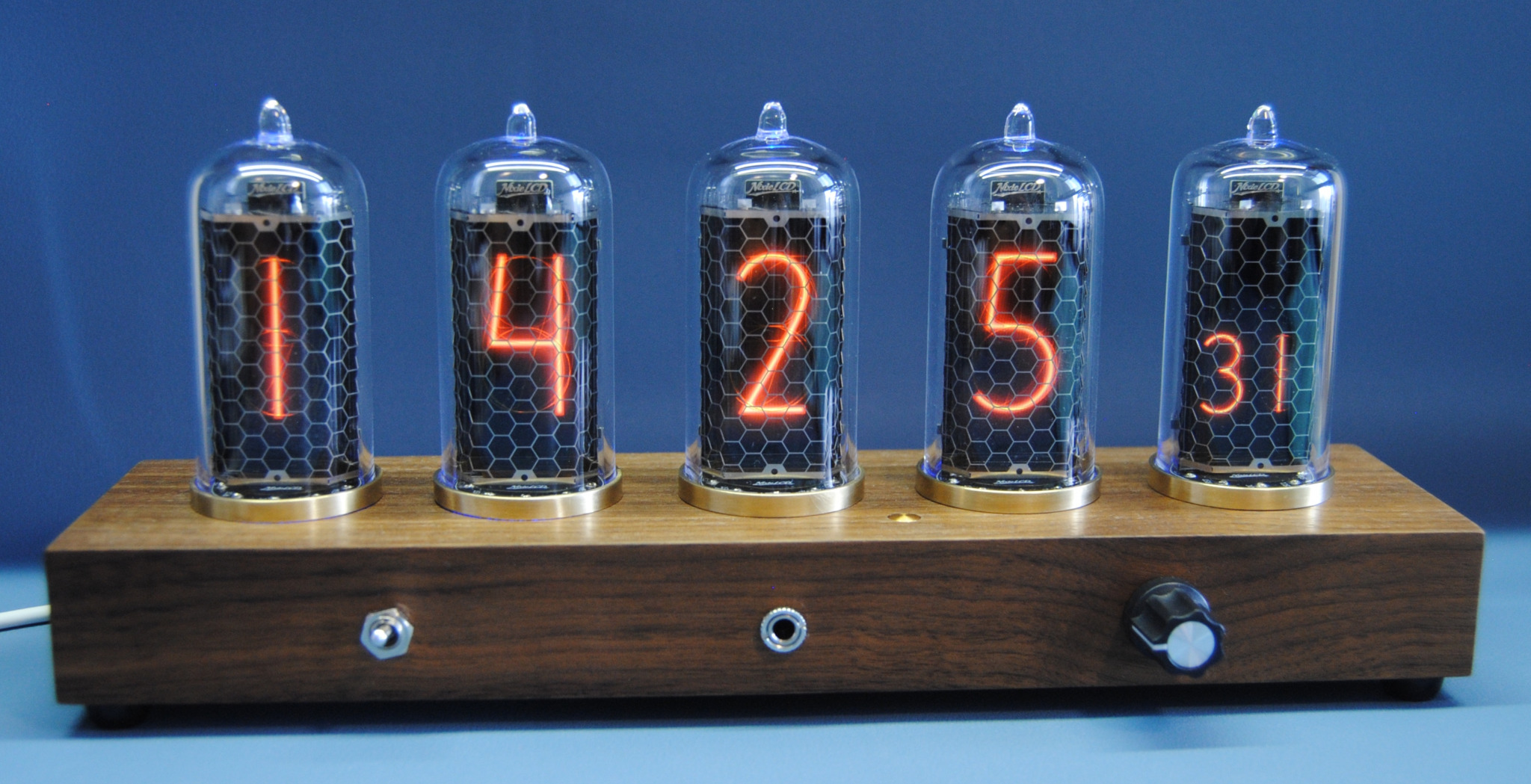
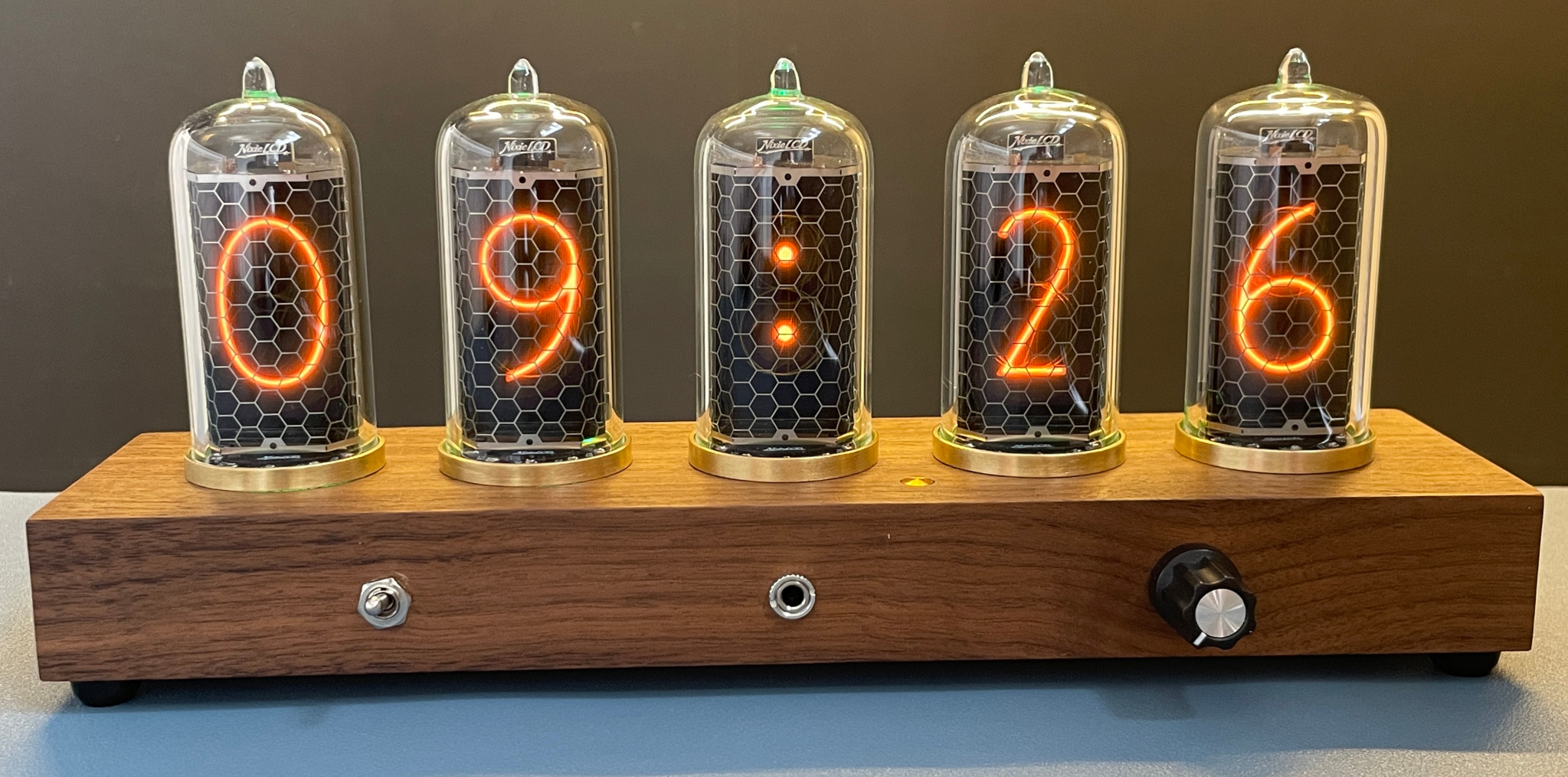
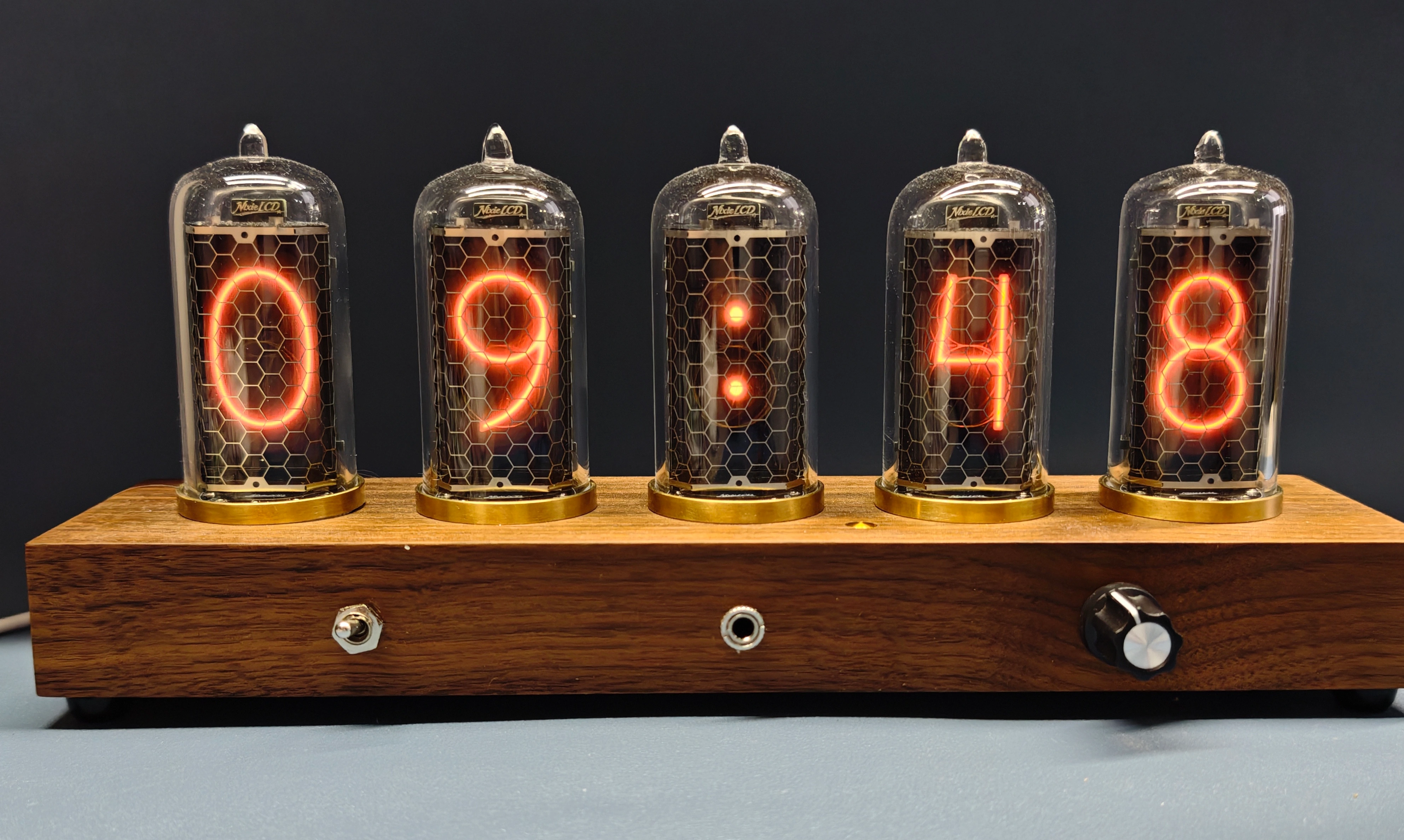
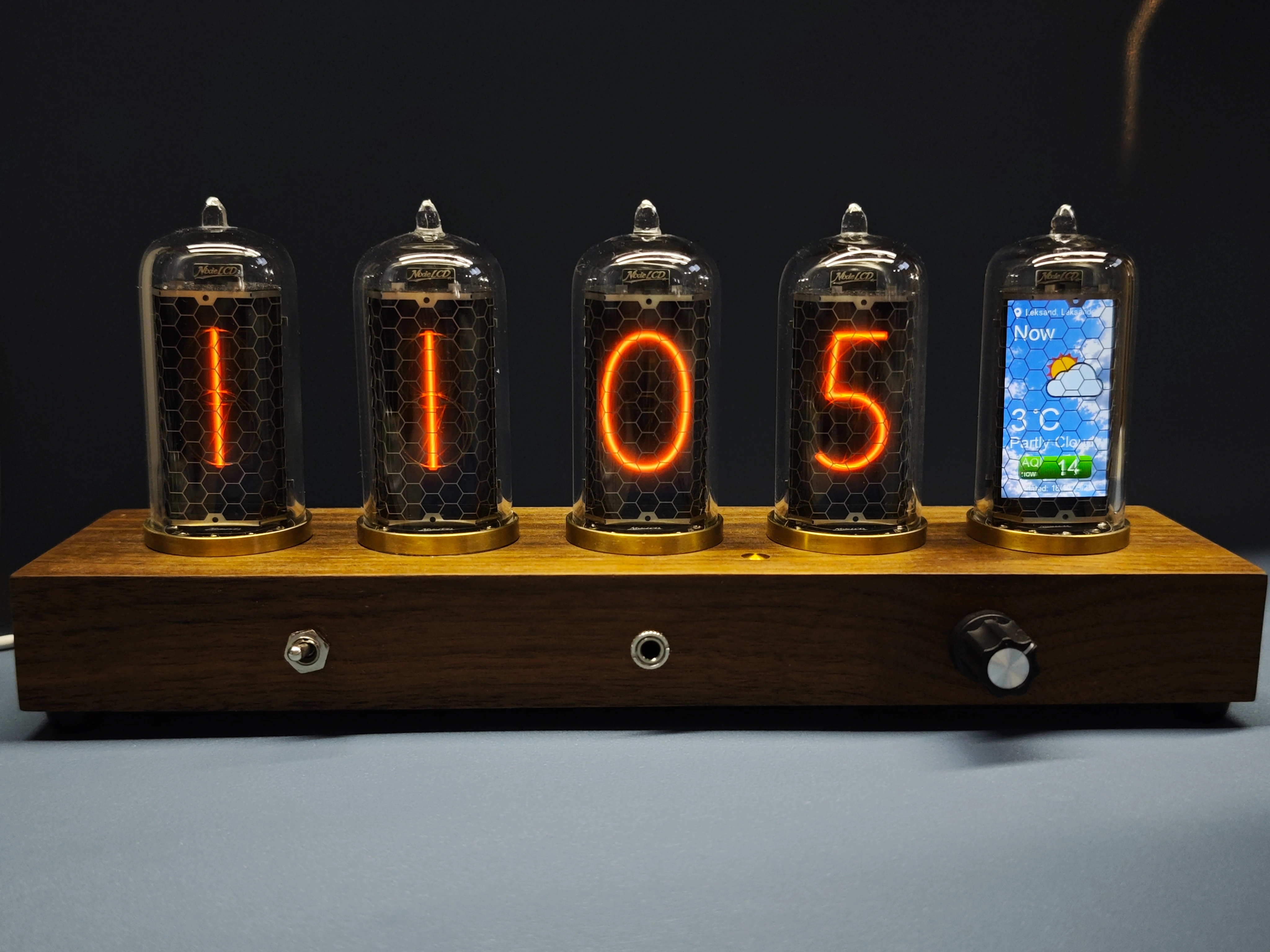
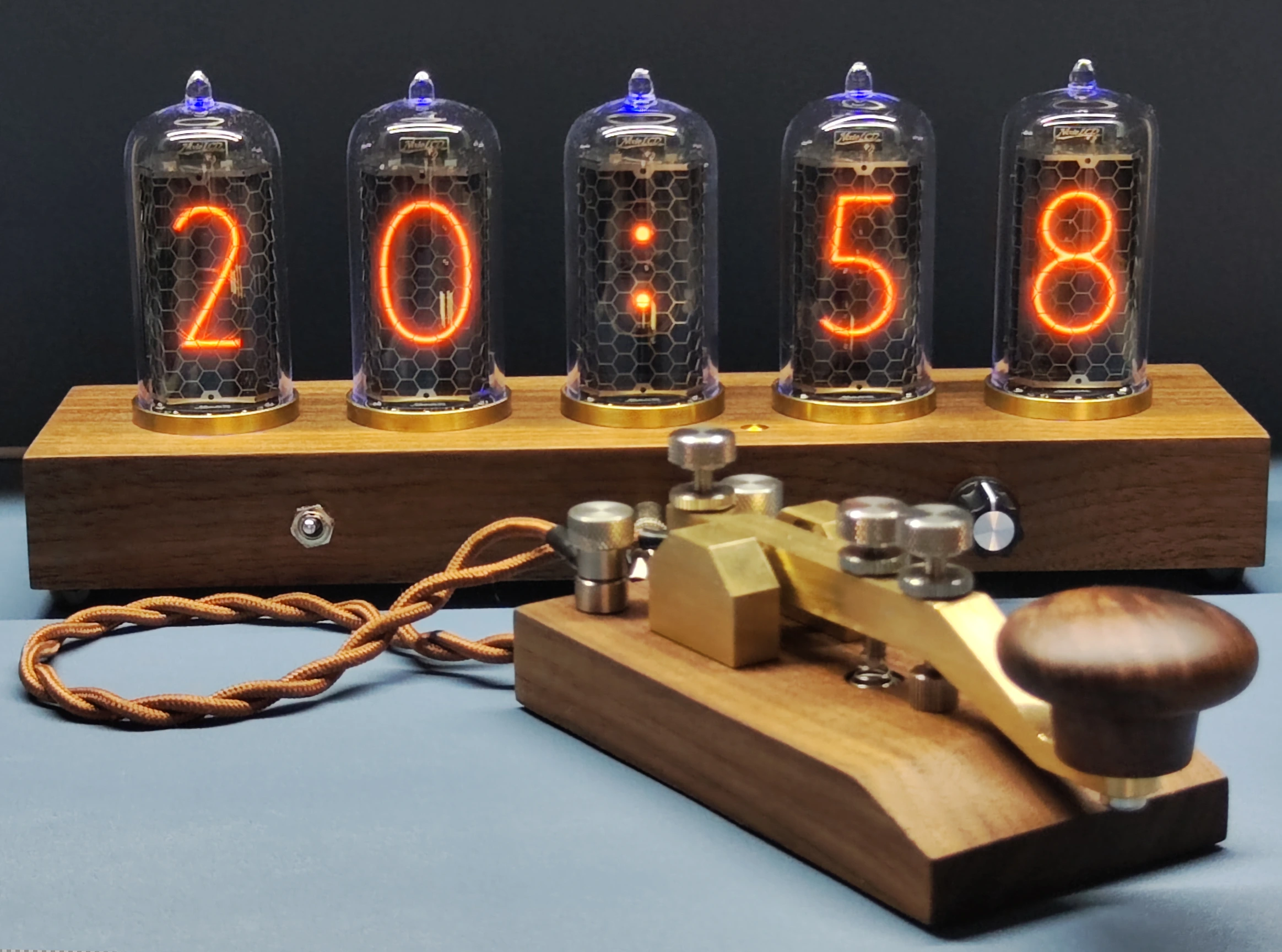
This is a beautiful piece to have on your desk. It uses 5 LCDs to emulate the warm glow of real Nixie tubes. You can use it as a clock but it can also with a turn of a knob show you weather and PC status and more.
Weather
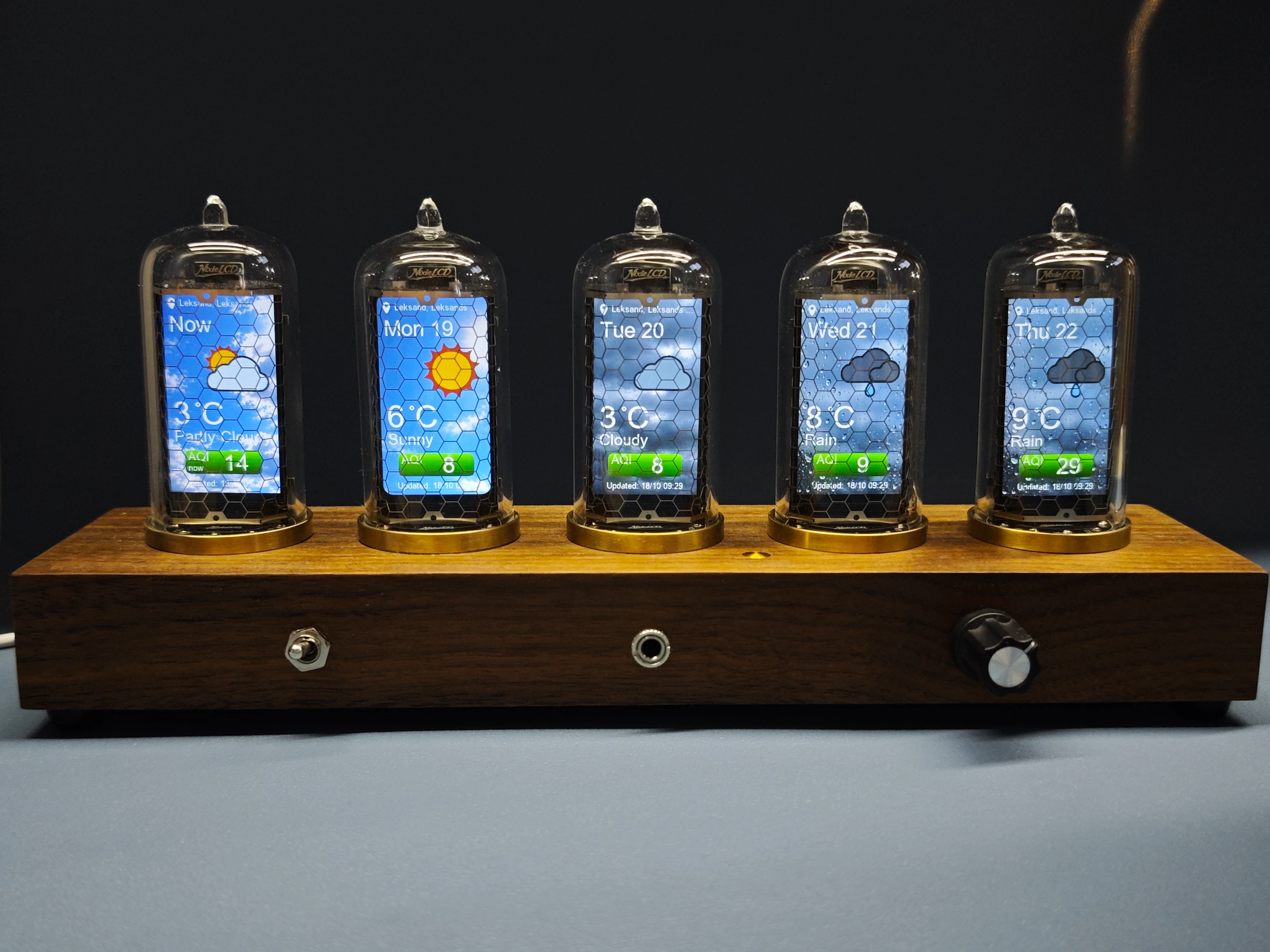
The NixieGraph shows you a 5 day weather forecast from MET Norway. The location and wifi credentials is setup using your phone or PC on a wifi configuration page.
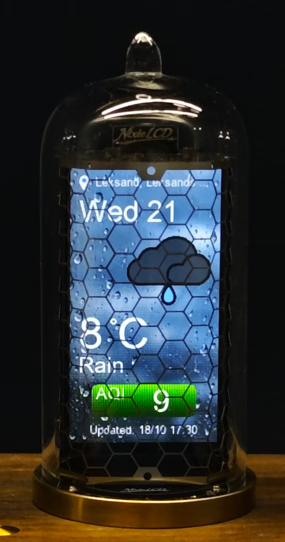
Air quality information is something very useful in places like China. But in my home country Sweden it's often less relevant.
I want to have it as an option to show AQI data on the weather forecast. Air quality data currently requires a private API key, I'd like to find a simpler solution before calling this feature finished.
Finance
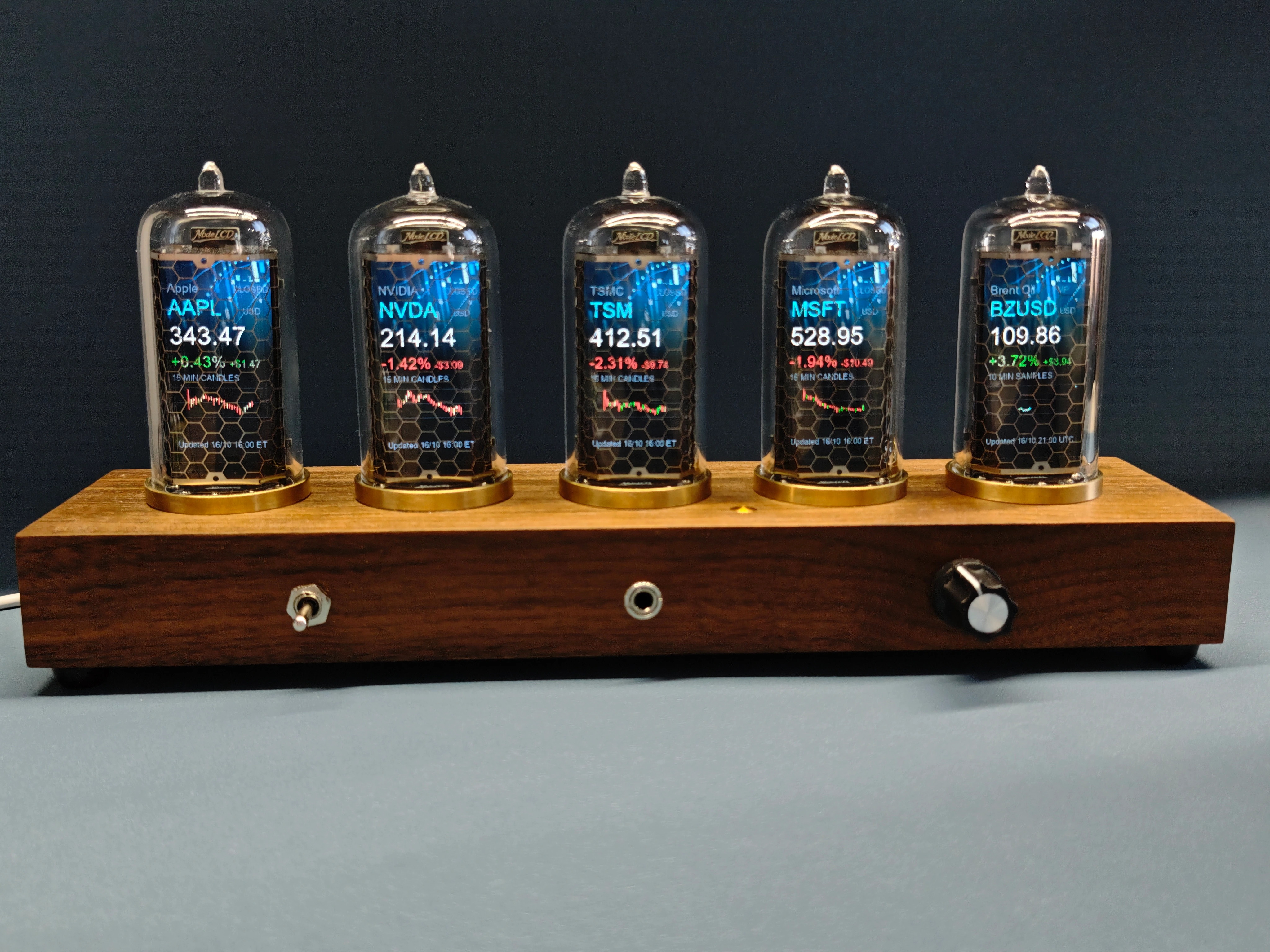
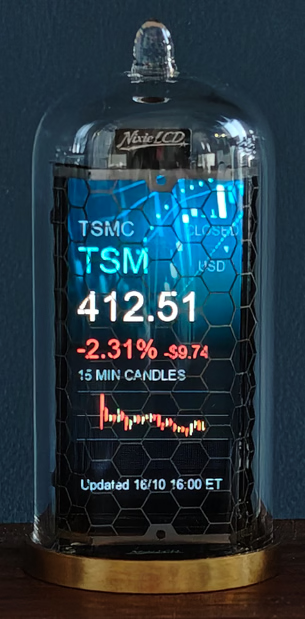
I'd like Nixiegraph to be able to display financial data such as stocks, indices, and commodities. Unfortunately, I haven't found a suitable data provider that offers this information completely free and without requiring registration.
Services like Financial Modeling Prep and Twelve Data offer limited free access, but each user would need to register for their own API key.
For now, that's the trade-off if you want to display financial data on Nixiegraph.
PC status
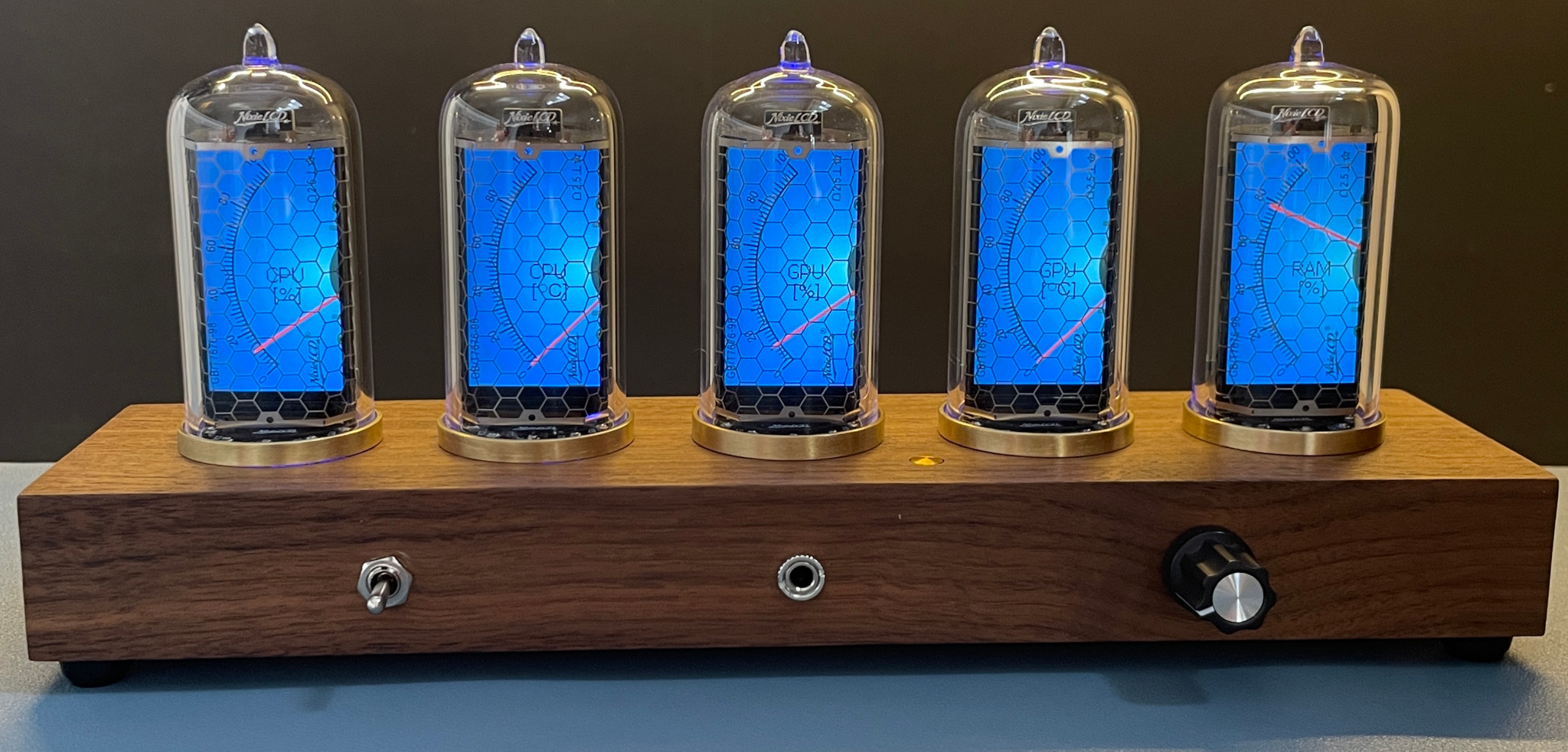
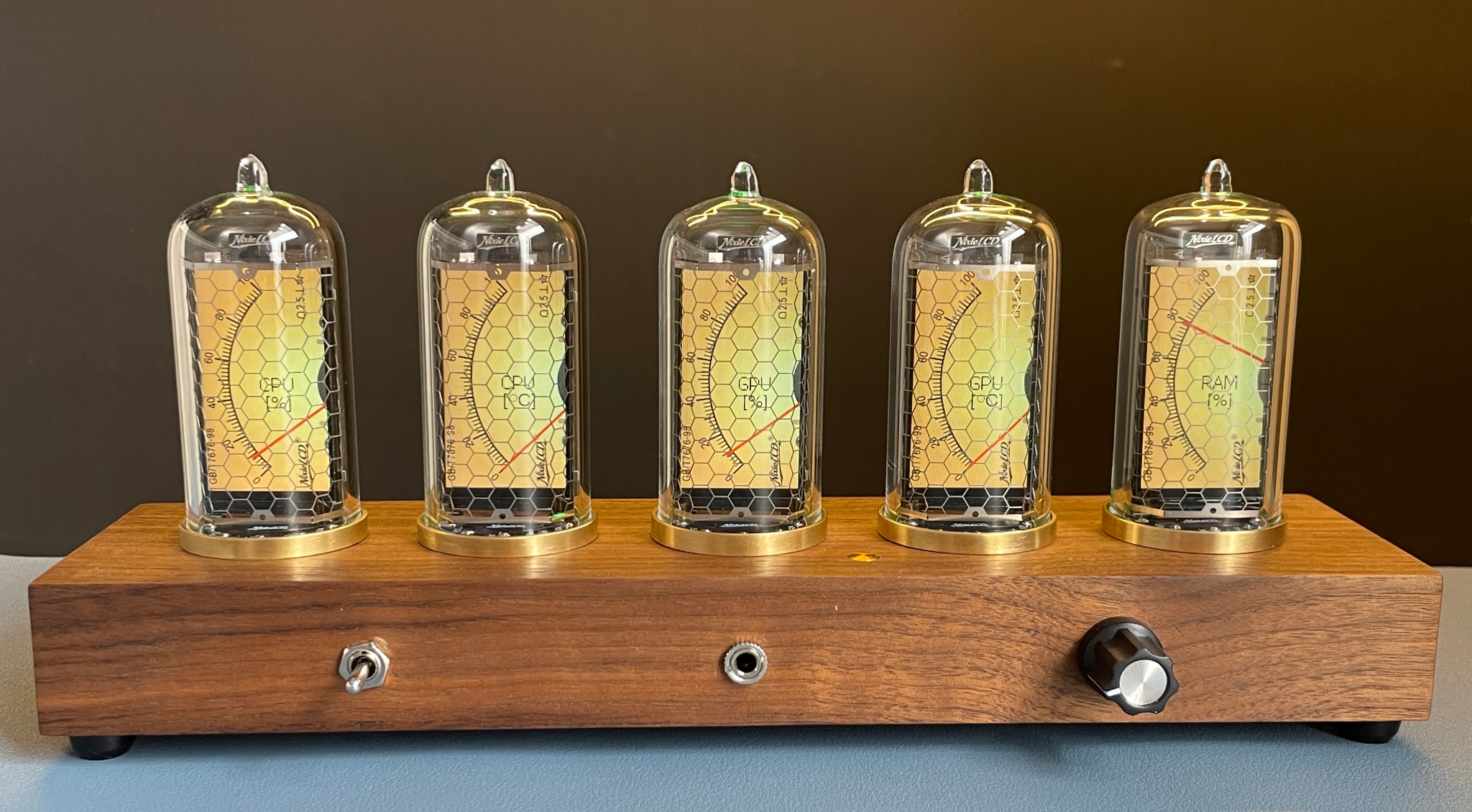
If you're a gamer, you can use Nixiegraph to display your PC's system status.
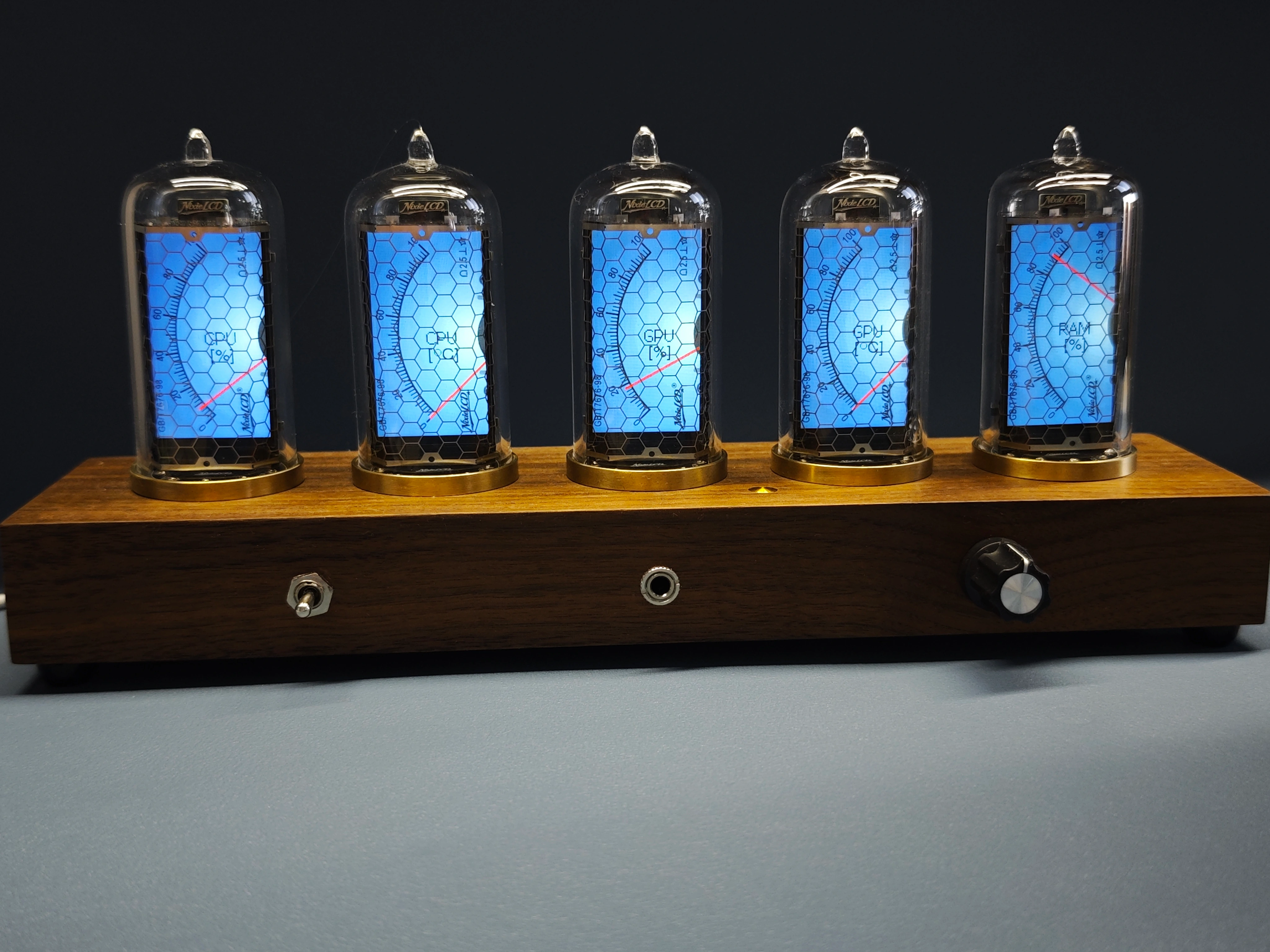
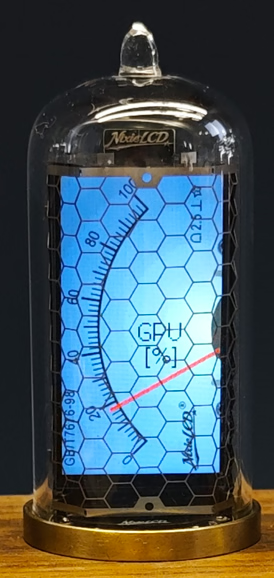
Currently, this works by running a small Python script on your PC while it's connected to the same Wi-Fi network as Nixiegraph.
On my to-do list is turning this into a simple system tray application, so you won't have to run the script manually.
Morse code feature
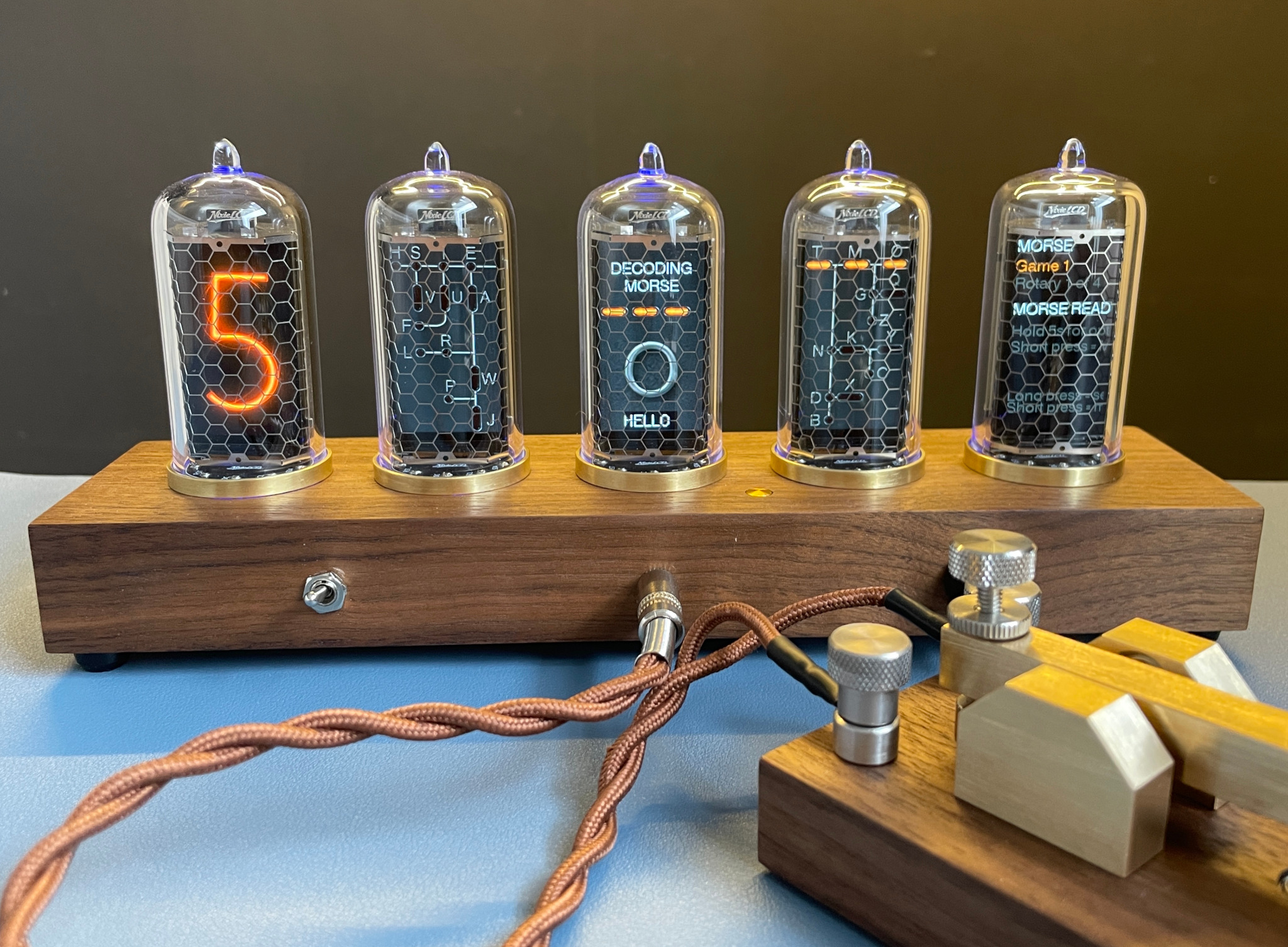
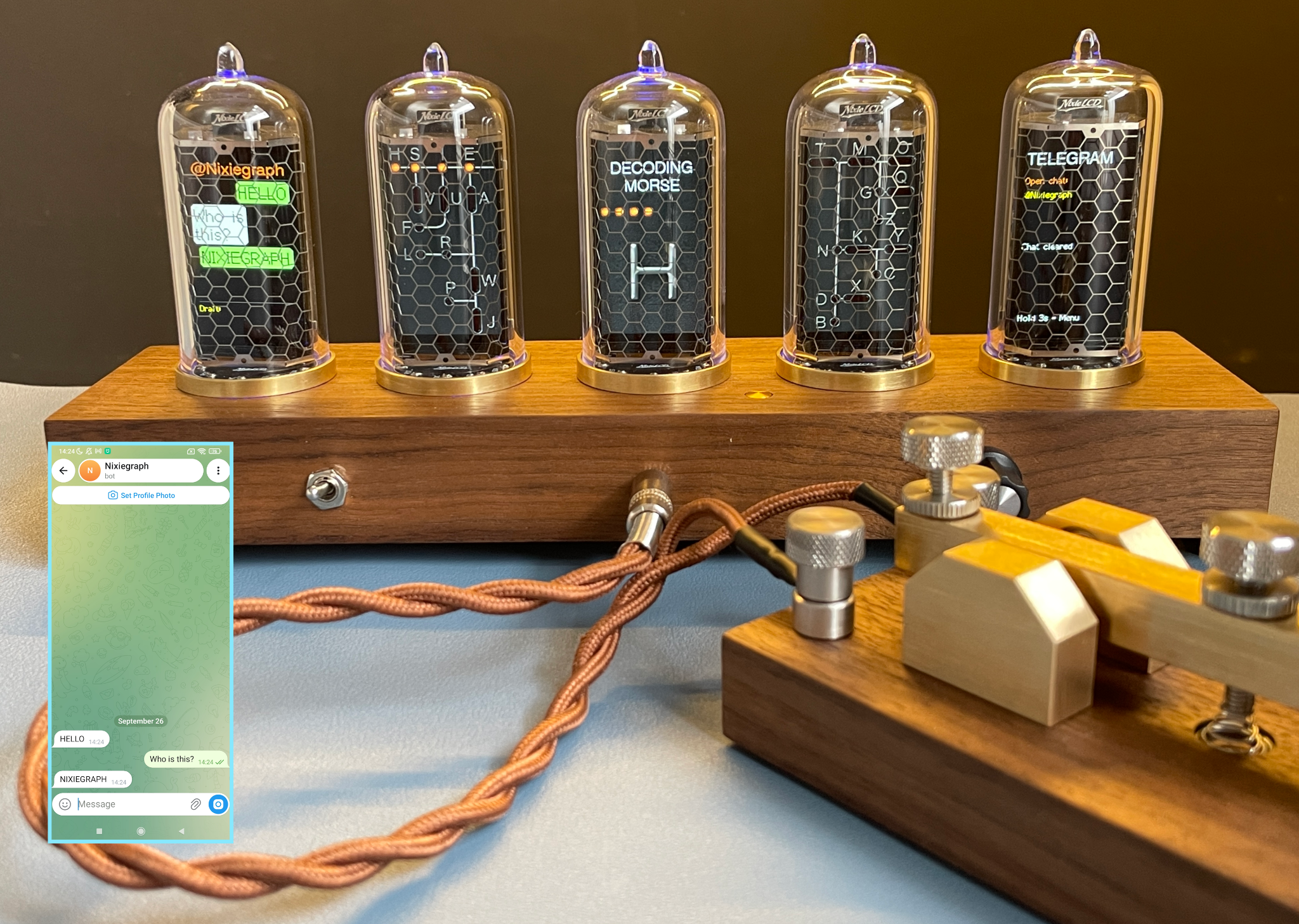
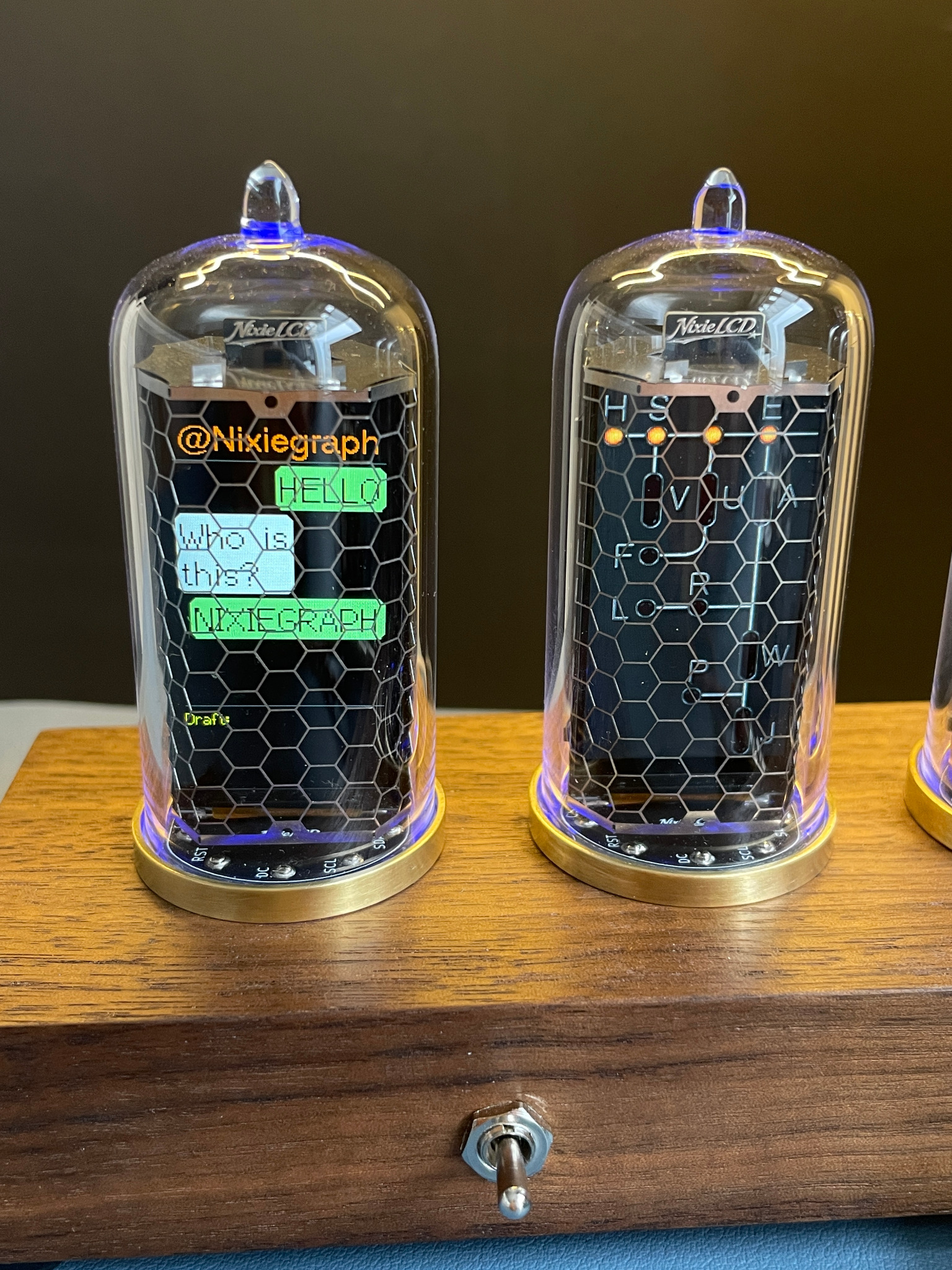
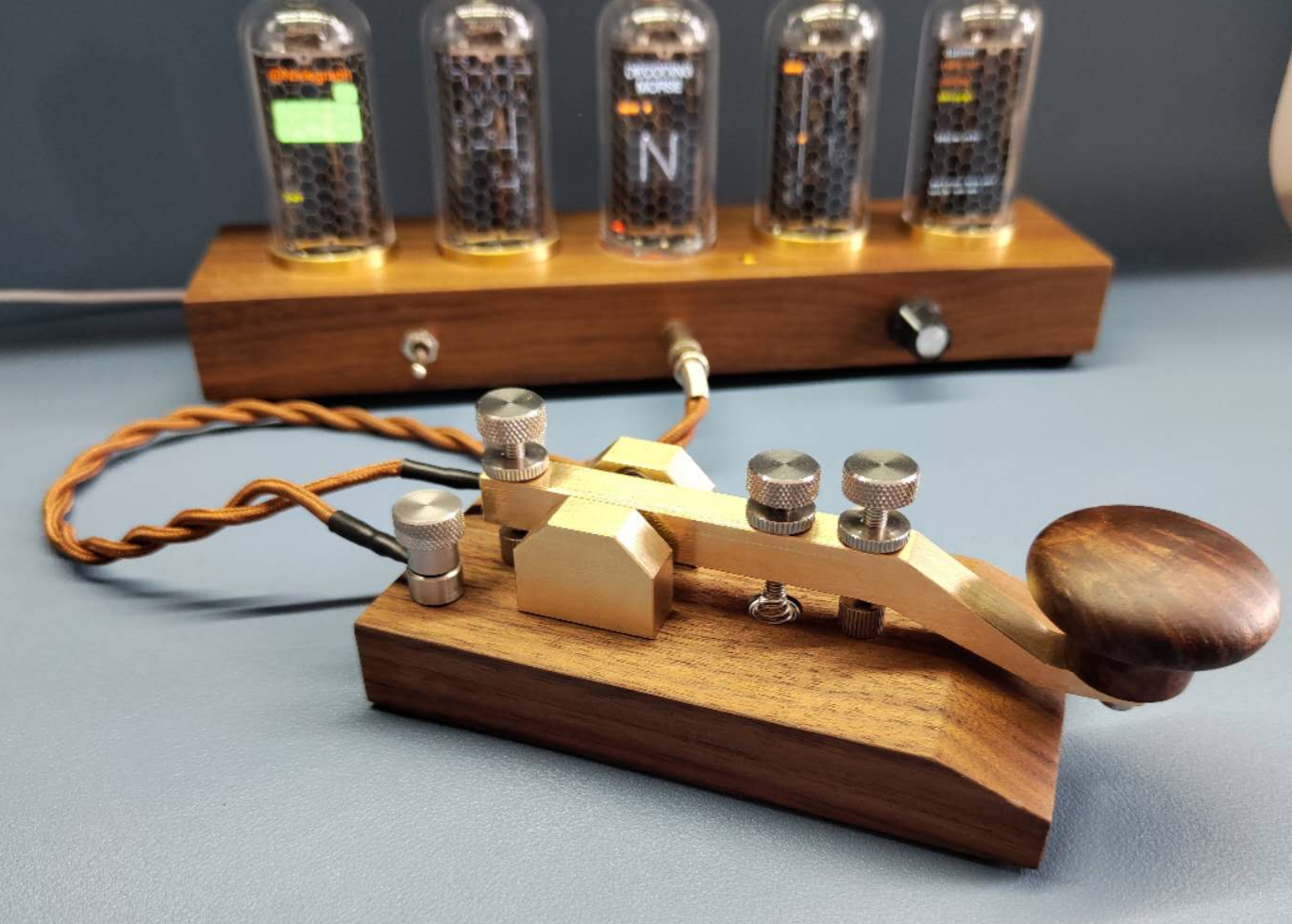
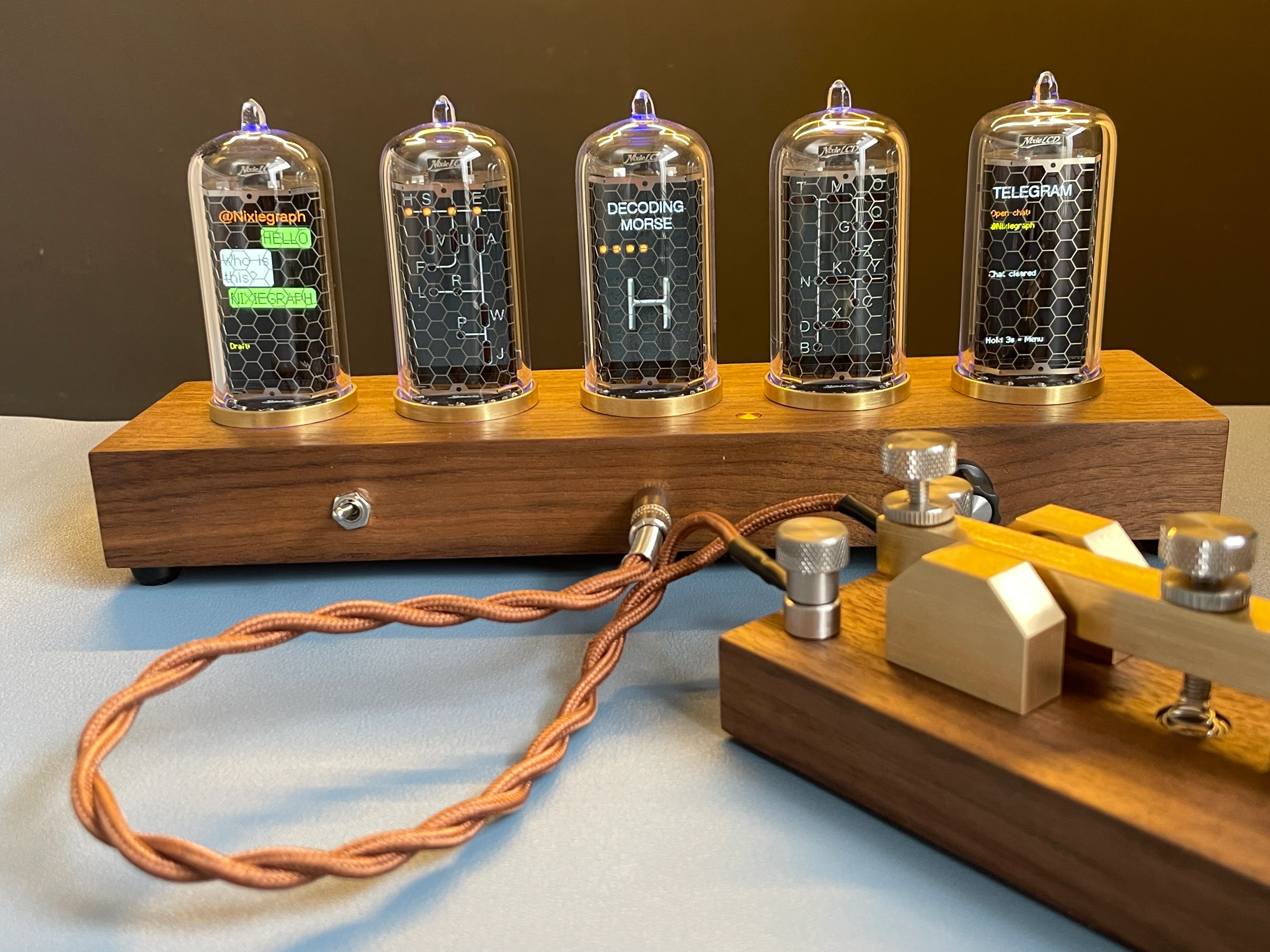
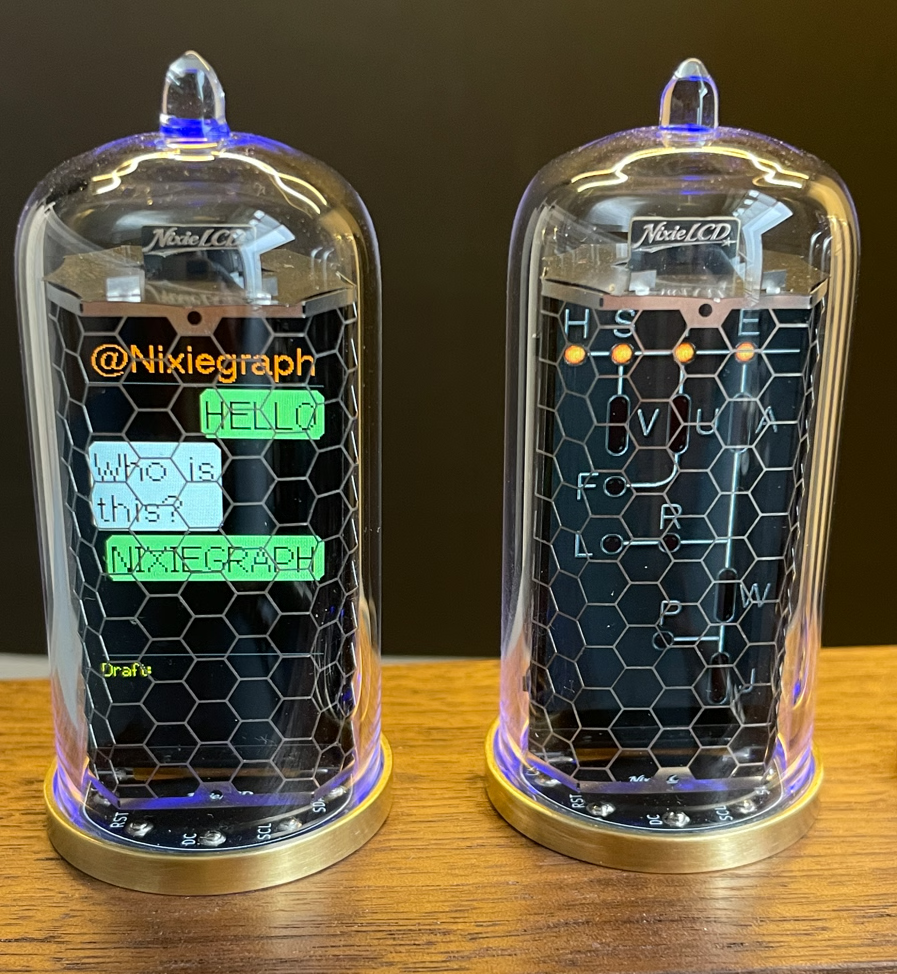
The name NixieGraph is a wordplay on Nixie tubes and Telegraphs. This clock also features a Morse training function. You can even set it up with a Telegram account and send messages using Morse code to your friends on Telegram chat or even to other NixieGraphs.
Nixie tube inspiration
The inspiration for creating this clock comes from the classic Nixie tubes with its warm orange neon light. One of the most common Nixie tubes is the IN-14. But with a diameter of 19mm this tube and its digits are quite small. I wanted something bigger.
One of the largest real Nixie tubes is the IN-18, it is 30mm in diameter.
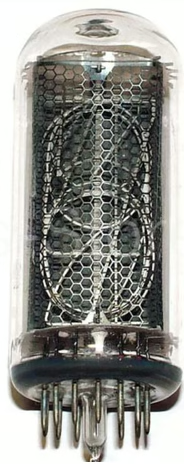
One thing I wanted on my design was the little glas nipple (gas port) on top of the tube. This gas port is characteristic for a lot of Nixie tubes but the IN-18 doesn't have one.
Another large Nixie tube that also is around 30mm in diameter is the Z5560M tube. This one has the gas port on top and it also have a nice gear looking metal plate on top of the digits. I decided to make this tube the base for my design.
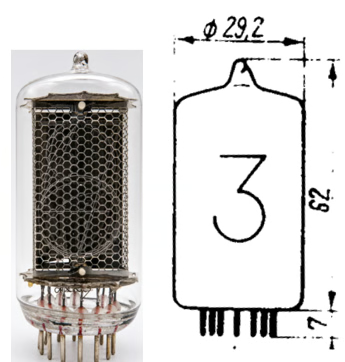
The digit height for the Z5560M tubes is around 30mm.
Finding the right display
Most existing LCD-based Nixie clocks use relatively small displays.
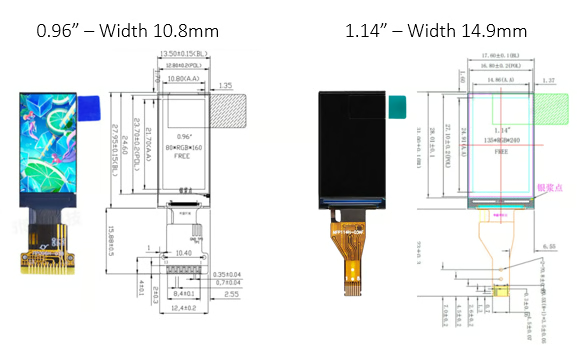
Displays of this size are used in tubes similar to the size of the smaller IN-14.
For NixieGraph, I wanted something with the presence of the much larger Z5560M — including digits approximately 30 mm tall.
After testing different options, I chose a 1.9-inch LCD.
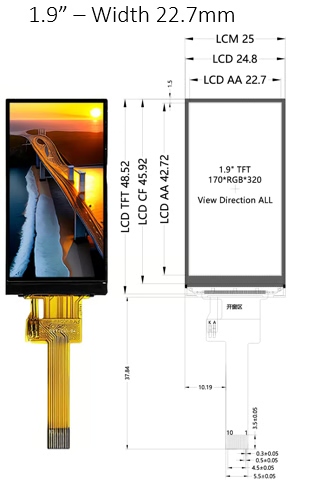
This gives me enough display area to reproduce the large digit size I wanted while still fitting inside the proportions of a classic Nixie tube.
Creating the NixieLCD
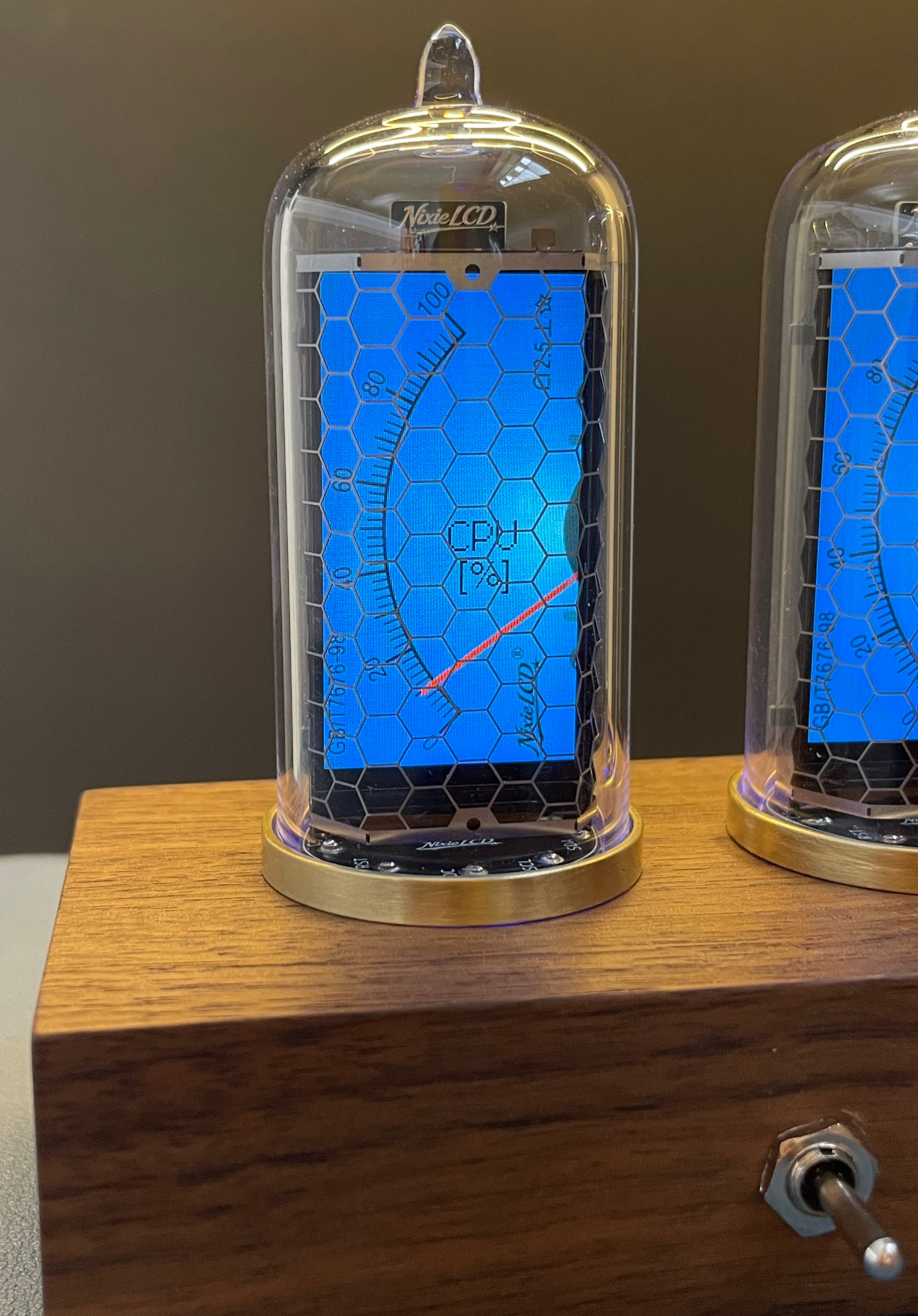
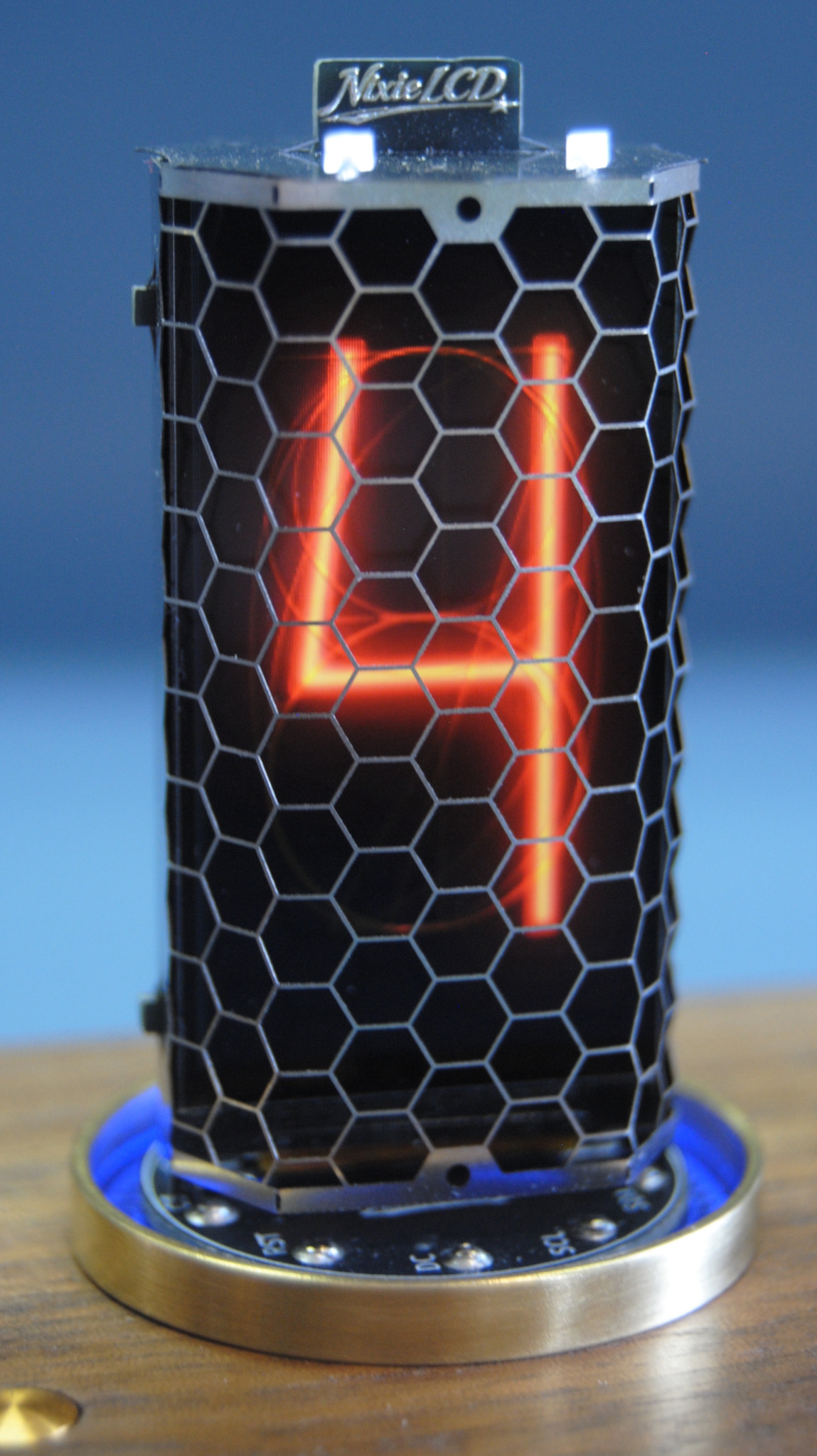
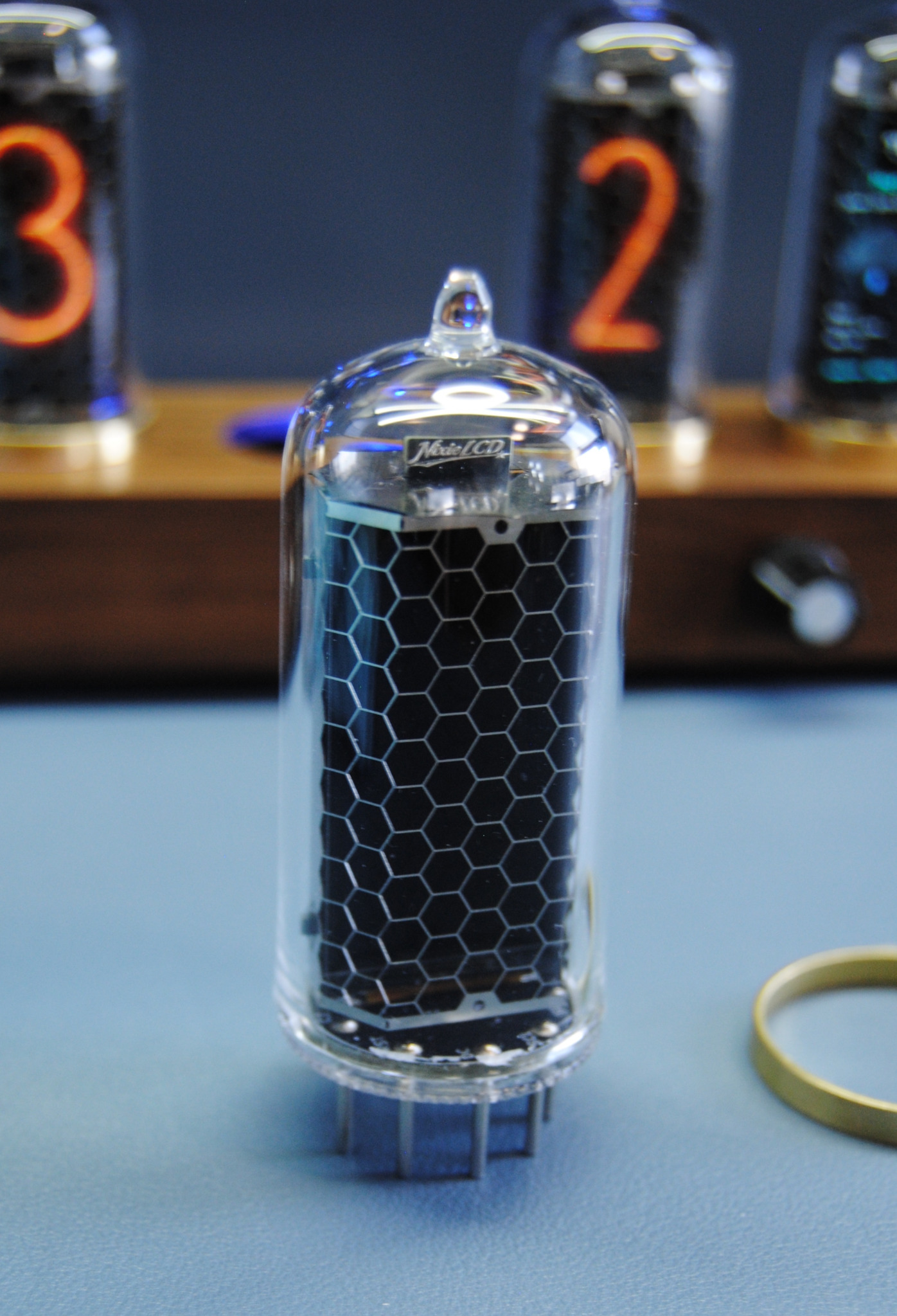
The goal wasn't simply to put an LCD inside a glass tube. I wanted the NixieLCD to capture as many of the physical details of a real Nixie tube as possible.
Each NixieLCD includes:
- A real glass tube
- A stainless-steel grid , inspired by the anode grid inside a real Nixie tube
- A pin interface at the bottom, giving it the appearance and mounting style of a Z56660M tube
In a traditional Nixie tube, the anode grid helps create the electric field that causes neon gas to glow around the selected cathode digit. In the NixieLCD the grid has no electrical function — but visually, it is an important part of what makes my NixieLCD look like a real Nixie tube.
Not just for NixieGraph
The NixieLCD will also be available as a standalone module for makers who want to build their own clocks, instruments, displays or other projects.
Matching PCB receptacles and a KiCad footprint will be available to make integrating NixieLCD into your own design easier.
Open source
I'm sure people will come up with uses for Nixiegraph's five LCD displays that I haven't even thought of.
My plan is to make the software open source, so anyone interested can create their own add-ons, experiment with new features, or customize Nixiegraph to suit their needs.
I'm really curious to see what people might come up with!